

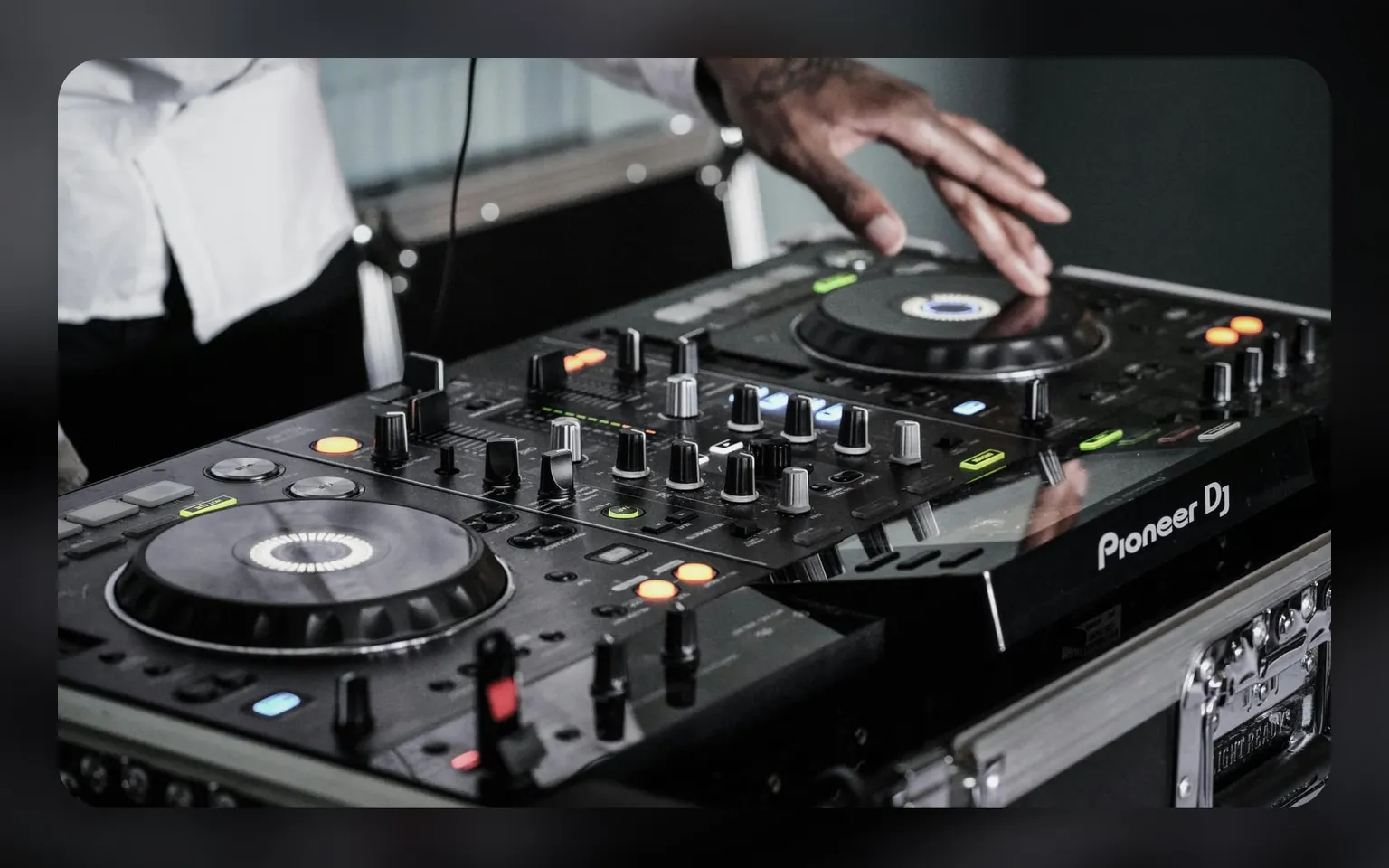
A good DJ performance starts long before you step into the booth.
Your software setup determines how fast you react, how precise your transitions are, and how stable the system remains during the set.
Rekordbox and Serato have added many new tools in recent years, but most DJs don’t configure them properly, and that causes unnecessary mistakes on stage.
This guide walks through the most important settings for 2026 across both platforms, focusing on usability, clarity, and performance reliability.
1. Hot cue settings
Hot cues are the backbone of modern DJing. A clean setup helps you navigate intros, drops, fills, and emergency sections without confusion.
A useful approach:
- Assign color-coded hot cues for consistency (e.g., red for drops, blue for intros, green for transitions).
- Place cues at structural points: first beat, breakdown, main drop, outro.
- Enable Quantize on cue triggering if your mixing style relies on timing precision.
This keeps your navigation predictable even when you’re moving fast between tracks.
2. Vinyl break settings
Vinyl break emulates the sound of physically stopping a turntable.
Used sparingly, it adds expression to transitions or to end a track smoothly.
In Rekordbox and Serato you can:
- adjust stop time to create shorter or longer fade-outs
- choose digital or analog behavior depending on your style
- practice timing so the break lands on a clean beat
It’s a small detail, but when set correctly it creates a natural sense of closure in your mix.
3. Stems setup
Stems have become a major tool for creative sets.
If you use stems for isolating vocals, drums, or melodies, you need to configure the controls clearly.
Suggestions:
- map stem controls to pads you can hit quickly
- keep stems visible in your performance layout
- practice isolating vocals or drums during transitions to avoid cluttered sound
Stems can elevate your performance, but only when controlled with intention.
4. Latencysettings
Latency influences how responsive the software feels.
In 2026, both Rekordbox and Serato run more efficiently, but your configuration still matters.
General guidelines:
- lower latency improves response but increases CPU load
- higher latency is safer for older laptops
- always test latency with your controller before performing
A medium setting usually balances safety and quick reaction.
5. Quantize settings
Quantize locks cue jumps, loops, and effects to the beat.
It keeps your timing clean and prevents accidental off-grid triggers.
Use quantize when:
- performing fast cue juggling
- looping during transitions
- triggering hot cues on the fly
If your style is more freeform or vinyl-like, reduce quantize strength or disable it for specific actions. The key is to match quantize to your mixing style.
6. Sectional mixing layout
A good layout helps you understand the structure of both tracks instantly.
Sectional mixing focuses on reading the waveform in blocks rather than isolated beats.
A useful layout:
- vertical or stacked waveforms
- clear bar lines
- zoom level that reveals transients
- visible phrase indicators
- browser area small but readable
Seeing the track in sections helps you choose the right moment for transitions without guessing.
7. Other useful settings
Small adjustments make the software easier to use, especially in fast environments.
Common improvements:
- numeric key display (Camelot notation is faster to read than “8A–8B”)
- simplified track columns (Title, Artist, BPM, Key, Rating)
- hiding unused panels
- clear labeling of playlists or crates
- color-coding tracks by energy or mood
These settings reduce decision-making time and keep your screen calm.
8. Bonus changes for Serato
Serato has several settings that improve everyday performance.
Useful adjustments:
- enable Smart Crates for auto-sorting tracks
- set Key sync to numeric mode
- activate instant doubles if you plan on quick tricks
- keep the beatgrid edit panel accessible
Serato thrives on a clean interface with fast access to key performance tools.
9. Interface suggestions for Rekordbox DJ
Rekordbox is standard in most clubs, so a stable interface is essential.
Consider:
- vertical waveforms
- medium browser size
- performance pads clearly visible
- disable sampler or effects panels if unused
- avoid crowded track info columns
Rekordbox becomes very stable when you remove visual noise.
10. Harmonic mixing setting
Harmonic mixing keeps transitions smooth by matching keys between tracks.
Both Rekordbox and Serato allow:
- Camelot notation
- auto-key suggestions
- key shift controls
Numeric notation helps you decide immediately whether two tracks fit.
It’s faster to read and easier to memorize under pressure.
11. Pad FX settings
Pad effects add texture to transitions, fillers, or breakdowns.
To keep them clean and not overwhelming:
- assign only a few effects you use frequently
- keep intensity at manageable levels
- practice timing so the effect supports the mix instead of covering mistakes
Pad FX should enhance your set, not dominate it.
Final thoughts
A strong setup comes from clarity, consistency, and comfort.
When your interface is clean and your settings work with your mixing style, you reduce distractions and focus more on reading the room.
These adjustments don’t replace creativity, they create the conditions that let your creativity work smoothly on stage.
Alongside technical preparation, it’s valuable to speak with DJs, curators, and people who work across live events.
Matchfy helps you connect with professionals who understand different scenes and can share practical feedback on your approach.
These exchanges help you grow as a performer and refine how you prepare for each set.